GTA III cheats
Slower gameplay
Updated November 22, 2026
GTA Archive › GTA III › GTA III cheats › Slower gameplay
Cheat code
This cheat slowed the whole game down in GTA III, in the manner of slow motion.
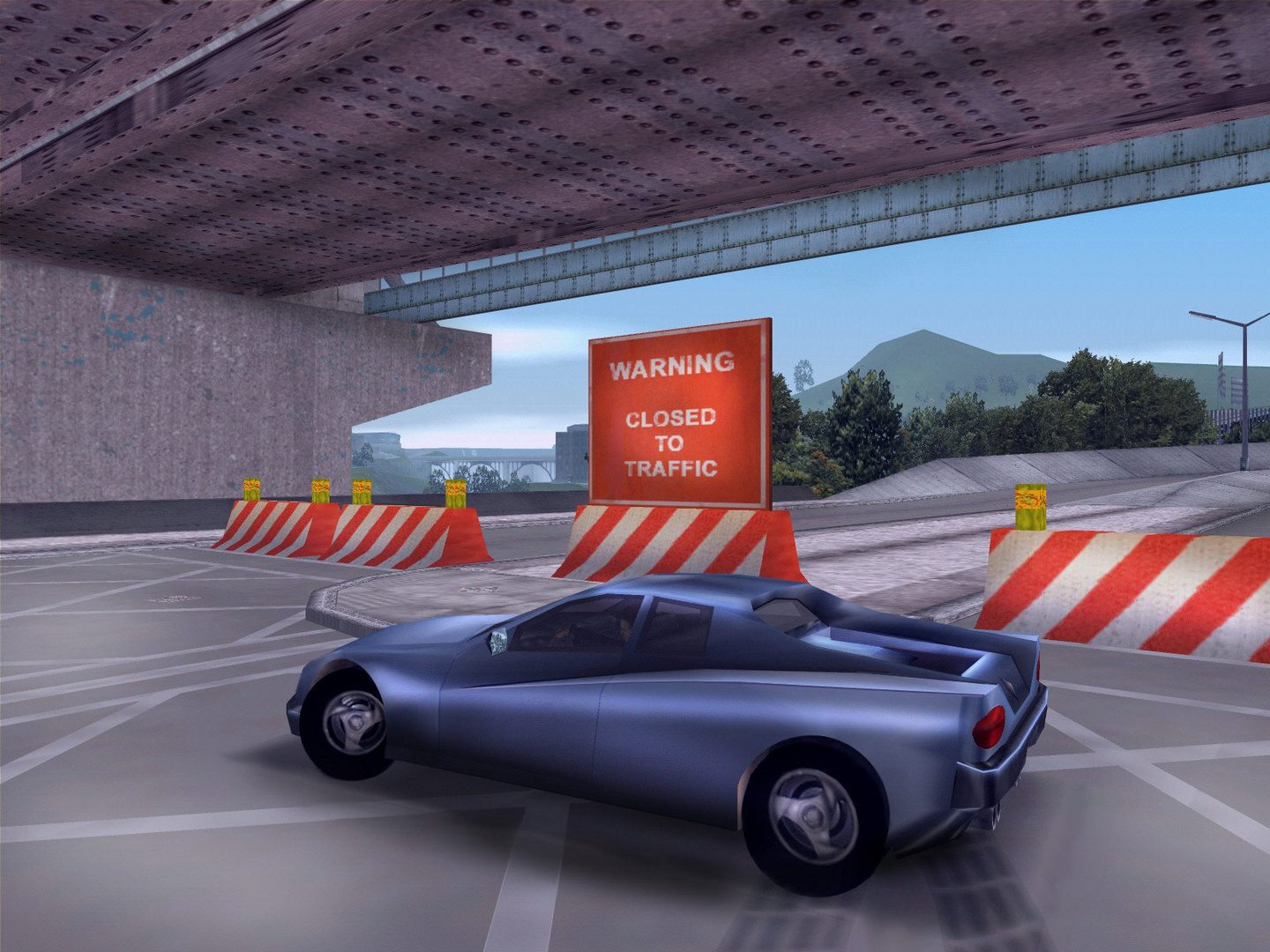
At a glance
| PlayStation | Triangle, Up, Right, Down, Square, R1, R2 |
| Xbox | Y, Up, Right, Down, X, RB, RT |
| PC | BOOOOORING |
| Category | Weather and time |
| Definitive Edition | Listed as available |
What we know
With this code the game ran in slow motion. Cars, people and bullets all moved at a reduced pace, which gave the player more time to steer through traffic or to line up a shot. Some players used it for difficult driving missions and for watching crashes and explosions. It could be entered again to slow things further, and the faster gameplay code reversed it. The PC word is spelled with five letter Os, which was the usual place for a typing mistake.
On PlayStation and Xbox the code was entered on the controller during normal play, not from the pause menu and not during a cutscene. The buttons still did their usual jobs while the sequence went in, so it was easiest to enter while standing still on foot. The Xbox code here is written with the modern button names. On PC the phrase was typed on the keyboard during play, in upper or lower case. A message on screen confirmed that it had worked.
It was wise to save before using any cheat and to keep a clean save file. In the Definitive Edition, cheats switched off trophies and achievements, and our sources differ on whether that lasted for the whole save file or only until an earlier save was loaded.
Quick answers
Did cheats disable trophies or achievements in GTA III?
In the Definitive Edition, yes. Sources differ on whether it lasted for the whole save or only the session, so a clean save was worth keeping.
More from GTA III cheats
- Pedestrians riot
- Pedestrians attack the player
- Pedestrians carry weapons
- More gore
- Refill health
- Full armor
- All weapons
- Add 250,000 dollars
- Random pedestrian skin
- Big Head Mode
- Raise wanted level
- Clear wanted level
- Spawn a Rhino tank
- Blow up all nearby vehicles
- Better car handling
- Flying cars
- Invisible cars
- Clear weather
- Cloudy weather
- Rainy weather
- Foggy weather
- Speed up the game clock
- Faster gameplay