GTA 2 cheats
Skip exploding scores (PC)
Updated November 22, 2026
GTA Archive › GTA 2 › GTA 2 cheats › Skip exploding scores (PC)
Cheat code
COCKTART is a small PC convenience cheat in GTA 2 that skips the exploding score display.
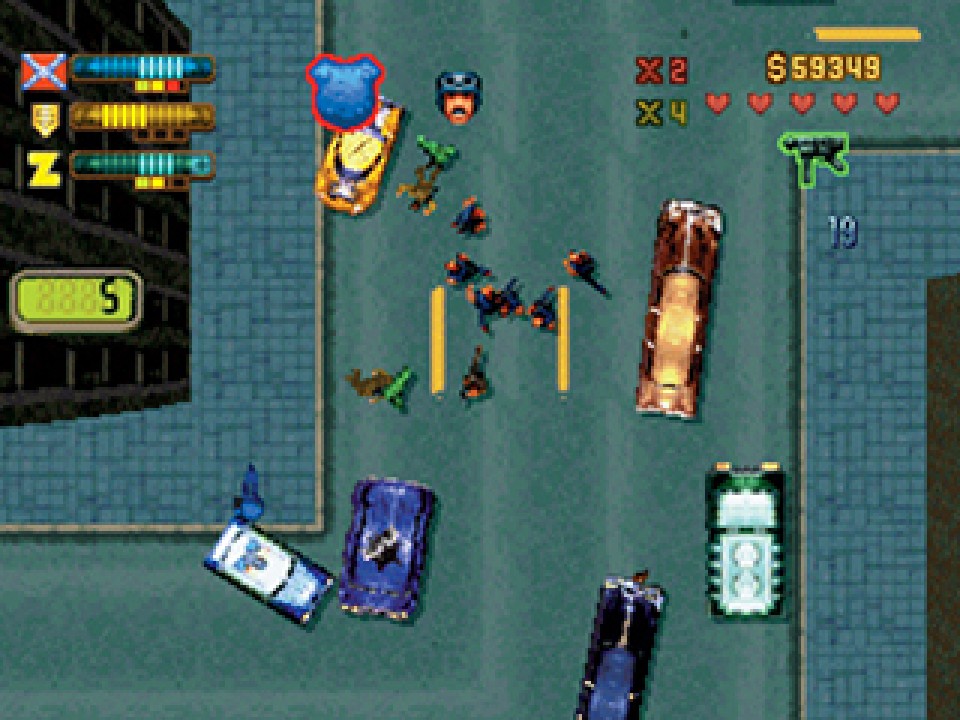
At a glance
| Code | COCKTART |
| Platform | PC |
| Effect | Skip exploding scores |
| Category | World |
| How to enter | Typed as the player name, after GOURANGA |
What we know
COCKTART is a small convenience code. It skips GTA 2's exploding score display, the on-screen effect that shows points bursting out as you earn them from kills, crashes and other crimes.
On PC, cheats are typed as the player name. Our list notes that GOURANGA must be entered first to enable cheat entry and then deleted, after which COCKTART goes in its place.
Score is central to GTA 2, because points double as money and every district ends at a target score. The display is how the game celebrates that, but in long sessions it can feel cluttered. Turning it off does not change how points are earned or how the bonus multiplier works, only how they are shown.
It is one of several PC codes that adjust presentation rather than play, alongside GOREFEST and NEKKID. Score displays faded from the series after GTA III replaced points with cash, so a code like COCKTART only makes sense in the top-down era, when the score sat at the heart of every level.
Step by step
- Open the player name screen.
- Type GOURANGA, then delete it.
- Type COCKTART and start the game.
Tips
- Use a separate player name so your normal save is left alone.
- Your score still counts normally with the display off.
Quick answers
What does COCKTART do in GTA 2?
It skips the exploding score display on PC.
Does skipping the display change my score?
No. Points are earned as usual.
More from GTA 2 cheats
- Turbo mode (PlayStation)
- Unlock the three main levels (PC)
- Unlock all levels and bonus levels (PC)
- Level select (PlayStation)
- Display coordinates (PlayStation)
- Debug basic scripts (PlayStation)
- Enables cheat entry (PC)
- Invincibility (PC)
- 99 lives (PC)
- Invisibility (PC)
- Unlimited double damage (PC)
- Keep weapons after death (PC)
- Unlimited get out of jail free cards (PC)
- Invincibility (PlayStation)
- All weapons with maximum ammo (PC)
- Basic weapons with maximum ammo (PC)
- ElectroGun with infinite ammo (PC)
- Flamethrower with infinite ammo (PC)
- All weapons (PlayStation)
- 500,000 dollars (PC)
- 10,000,000 dollars (PC)
- Player gets points (PC)
- 10x multiplier (PC)
- Free shopping (PC)
Sources: gta.wiki · Grand Theft Wiki · GameRevolution