How to Take Photos and Selfies
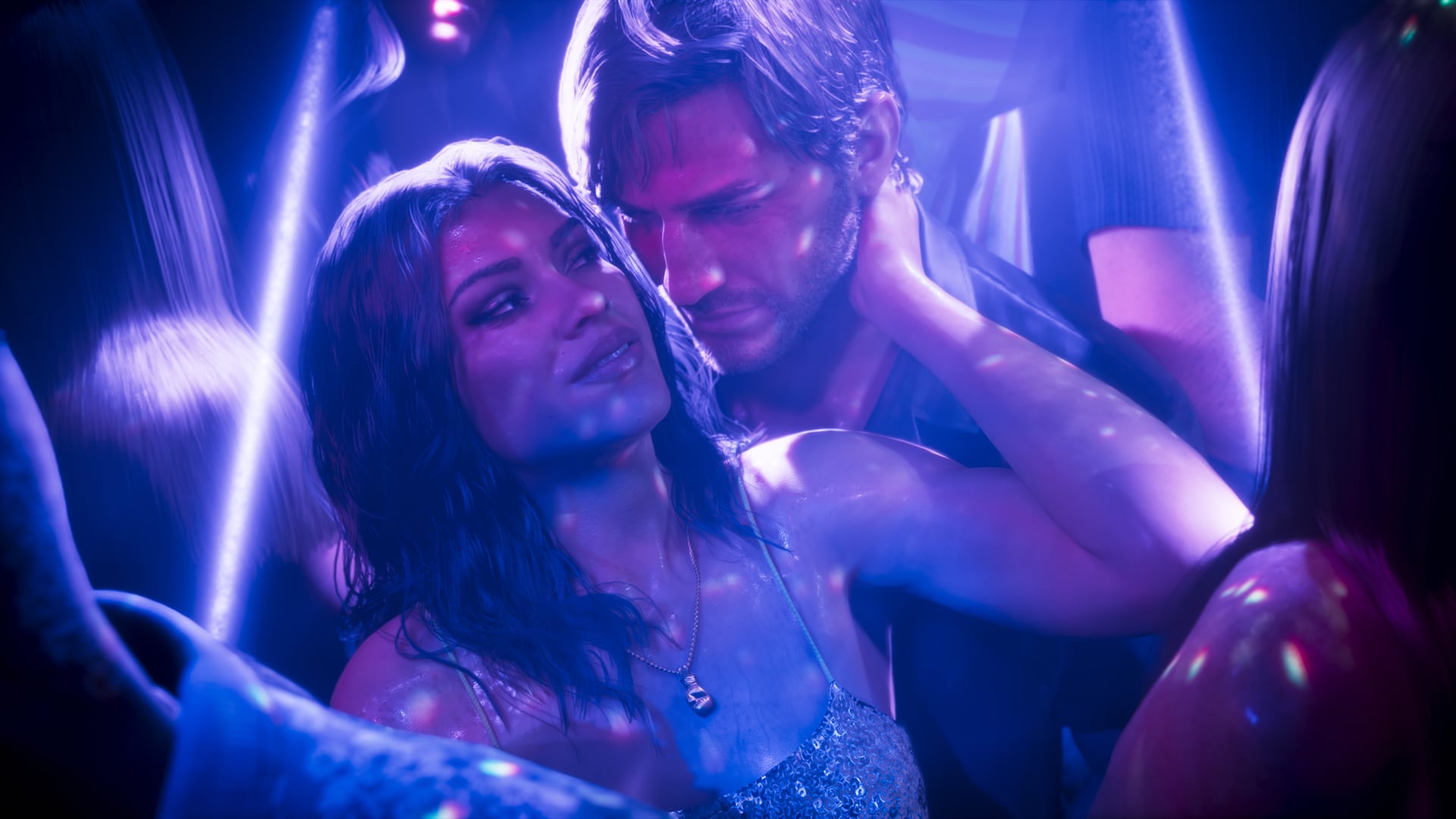
Phone camera, six poses, seven faces and 17 filters. How to snap selfies with your partner in GTA 6.
After Lucia's prologue Reported
D-pad Up Reported
Camera, third icon in first row Reported
Up to 5x Reported
17 Reported
6 poses, 7 expressions Reported
Jason and Lucia carry phones with a working camera. Taking photos and selfies uses the Camera app, which has zoom, filters, a grid and a selfie mode with poses and expressions for both you and your partner. Reported
ReportedOpening the camera
Beebom and XboxPlay agree the phone camera becomes available after the prologue, once you take control of Jason. Reported Press D-pad Up to pull out the phone, then open Camera, the third icon in the first row. Reported More on the phone at Phone and social feed.
Rear camera tools
| Tool | What it does |
|---|---|
| Take Photo | Snaps the shot Reported |
| Light | Toggles the flash for dark scenes Reported |
| Show Grid | 3x3 grid for framing Reported |
| Zoom | Up to 5x Reported |
| Filter | One of 17 looks Reported |
| Gallery | Review saved photos Reported |
Taking a selfie
- Switch to the front camera. Reported
- Pick a pose (up to six) and an expression (up to seven). Reported
- If your partner is with you, use Partner Pose to change their stance. Reported
- Frame it and choose Take Photo. Reported
Both guides describe these options for Jason. Whether Lucia has the same set has not been spelled out. Unknown
Where photos go
Shots land in the Gallery app, which also holds images from the story. Beebom notes some of those hint at the pair's backstory. Reported You cannot upload to Snapmatic. Beebom's app guide says Jason and Lucia can browse, like and comment but not post, which fits their life on the run. Reported
Shooting at night
The rear camera has a Light toggle that works as a flash for dark scenes. Reported For more control over lighting, Photo Studio lets you place up to five light sources and change their color and strength. Reported Since the clock cannot be changed in Photo Studio, sleep at a safehouse to reach golden hour first. See How to Sleep and Skip Time. Reported
Phone camera or Photo Studio
For full control of the camera, use Photo Studio from the pause menu. It is available from the very start of Lucia's prologue, adds depth of field and up to five lights, and works in some cutscenes, but cannot change time or weather. Reported The phone is for quick in-world shots. Photo Studio is for composed ones.
Things worth shooting
Wildlife is a good subject. GTABase notes underwater animals can be photographed while diving. Reported See Wildlife index, Scuba diving and Street Art and Murals. Whether photos count toward any collection has not been confirmed by the guides we read. Unknown
Where sources differ
Beebom says Photo Studio is open from the start of Lucia's prologue, while the phone camera arrives after it. XboxPlay agrees on the phone timing and calls the pause button Start. Reported Neither guide says whether Lucia's selfie options match Jason's. Unknown
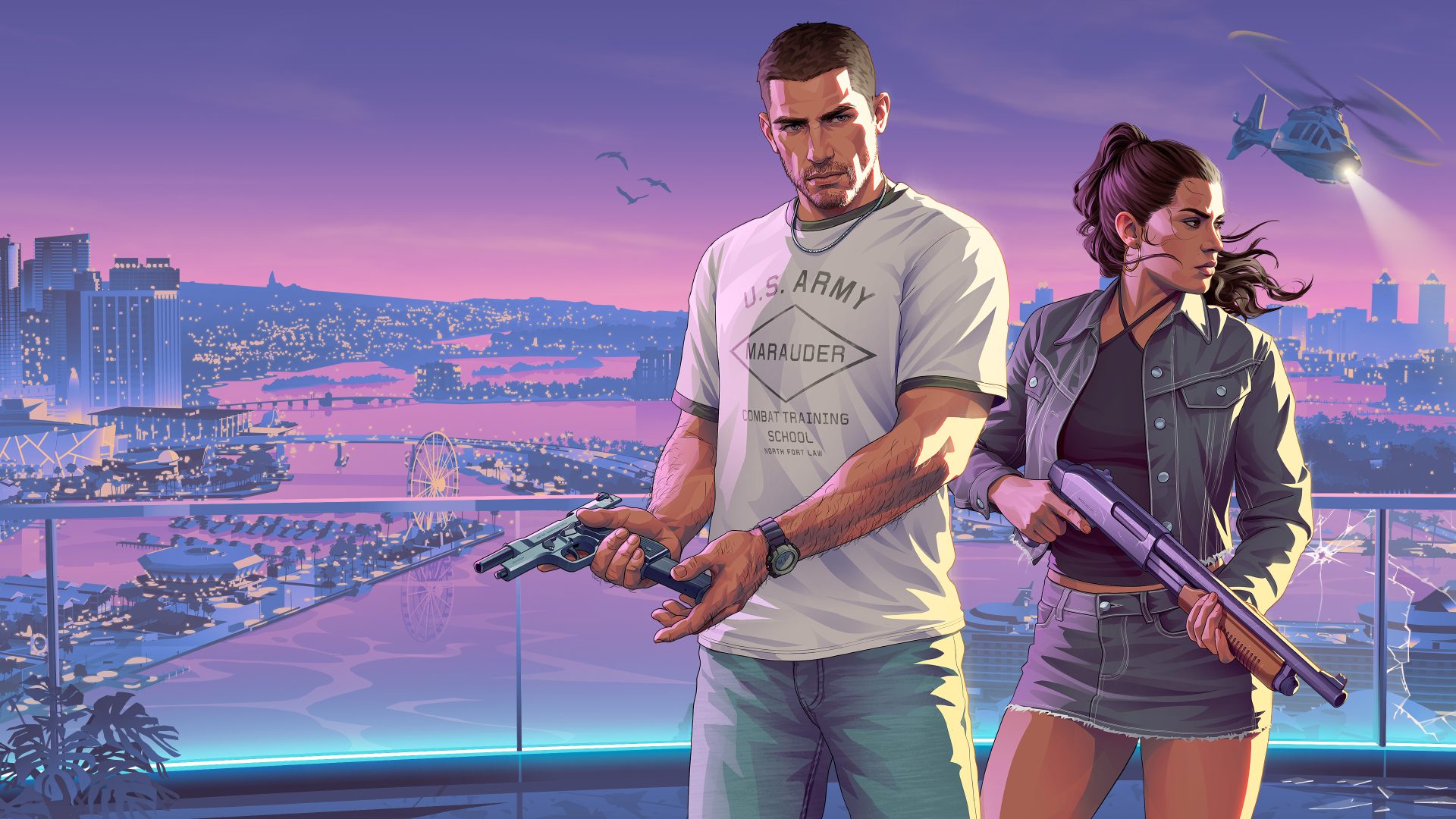
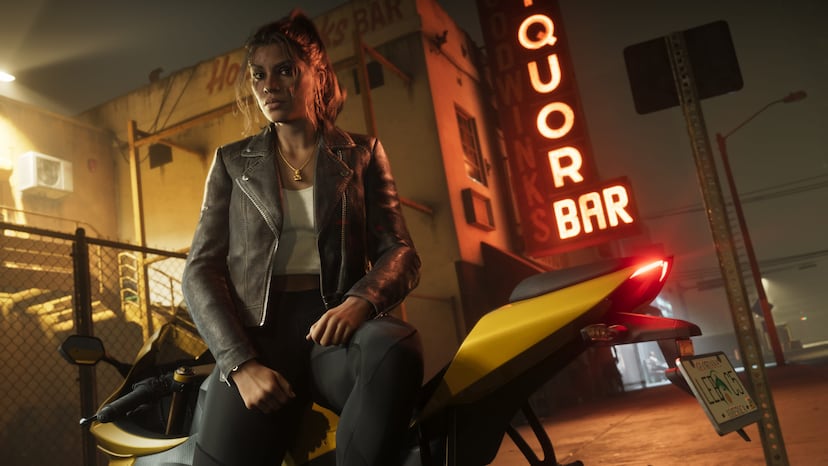
Official screenshots
Questions
How do I take a selfie in GTA 6?
Open the phone with D-pad Up, open Camera, switch to the front camera and pick a pose.
Can I post photos to Snapmatic?
No. Jason and Lucia can browse it but cannot upload.
How many filters are there?
17 on the phone camera.
Where are my photos saved?
In the phone's Gallery app.
Sources and further reading
- Beebom: How to Use Photo Mode in GTA 6
- XboxPlay: GTA 6 how to take selfies
- Beebom: All Apps on GTA 6 Phone and Their Uses
- GTABase: Scuba Diving in GTA 6
Last updated 2026-11-06.
Related pages
 Photo StudioWhat GTA 6's Photo Studio and phone camera can do, based on launch-week guides and reports.
 Phone and social feedAn in-game social platform where NPC posts go viral, NPCs livestream, and Snapmatic returns.
 Partner SystemHow GTA 6's partner system works: the partner menu, switching, shared activities, the relationship meter, and the cheats and trophies tied to it.Wildlife indexThe Wildlife index is the animal collection in GTA 6's Progress menu: 255 entries, filled by studying animals through binoculars or a scope.
 Street Art and MuralsHow the 112 AHOL street art pieces and the 5 1010 murals in GTA 6 work, and why they do not count toward 100%.
 Phone app brandsThe phone, app and tech brands linked to GTA 6, from Snapmatic in the Extended Look to the RydeMe ride app.