Photo Studio
The photo mode and phone camera, as guides describe them
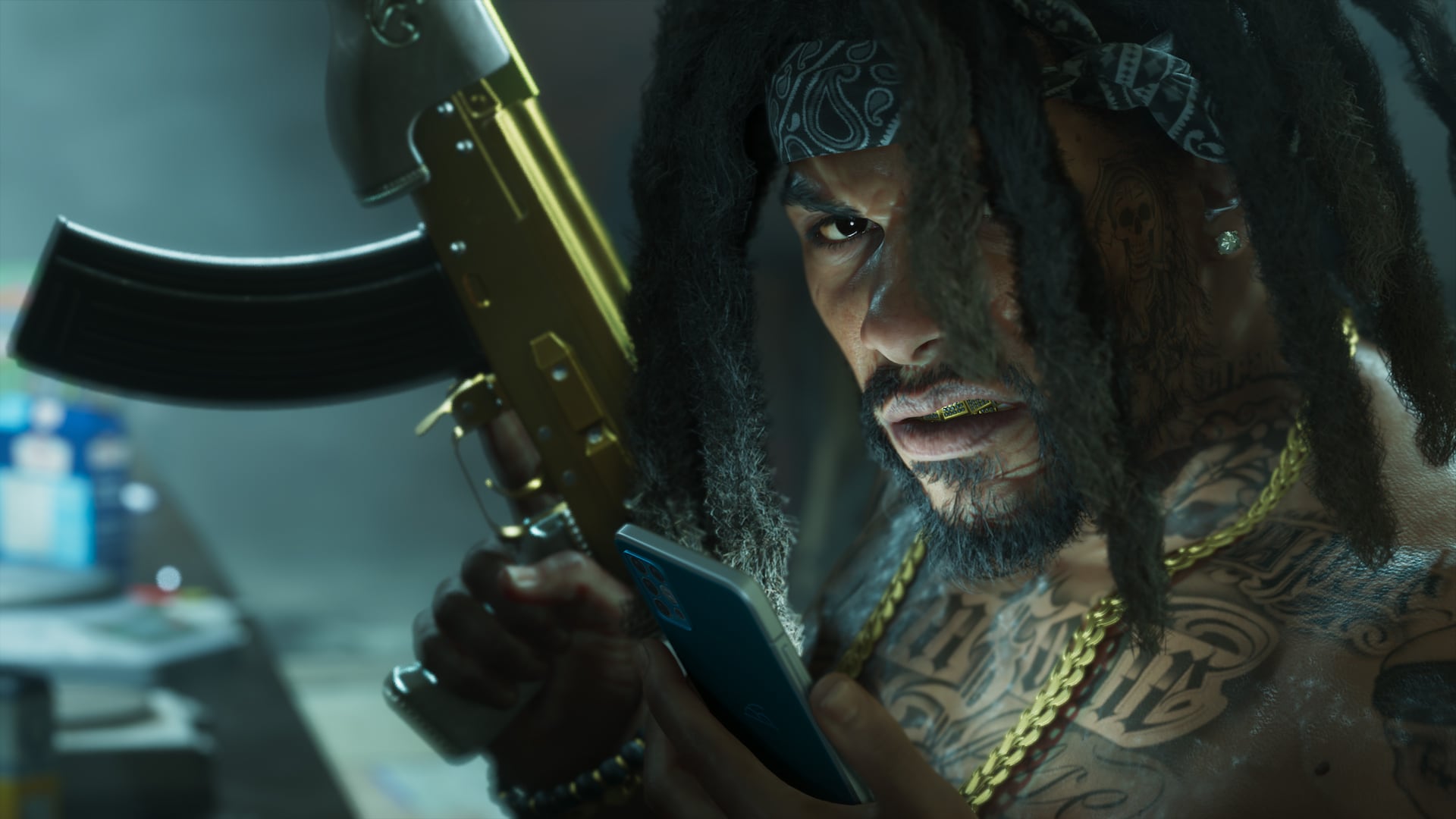
Photo Studio Reported
Pause menu Reported
From the opening prologue Reported
17 Reported
Unlocks after the prologue Reported
Snapmatic Reported
Photo Studio is the name of GTA 6's photo mode. Guides report that it opens from the pause menu, works from the start of the game and offers camera, filter and lighting tools that many players have praised. A simpler camera on the phone handles selfies and quick shots. Reported
Opening Photo Studio
Pause the game with Options on PS5 or Menu on Xbox Series X|S and select Photo Studio. Reported TechRadar and Gfinity both say a shortcut also works: after pausing, press Square on PS5 or X on Xbox to jump straight in. Reported Beebom reports that it is available from the start of the opening prologue, with no mission needed to unlock it. Reported
It can also be used during cutscenes, though some options then show as unavailable. Reported
Camera and image tools
Guides describe a wide set of controls. The list below combines what they report. Reported
- Camera angle, field of view and depth of field. Reported
- Exposure, contrast, saturation and film grain. Reported
- Aspect ratio and a vignette to draw the eye to a subject. Reported
- A set of 17 filters. Reported
- Toggles for in-game effects, and the option to hide your character. Reported
- Vehicle headlights and turn signals can be set while editing, TechRadar says. Reported
Lighting
The lighting section is the part most players talk about. TechRadar describes slots for lights that you can move and resize, with control over intensity and beam angle. Reported Gfinity lists reflectors, stage lights and ring lights. Reported Beebom says you can add up to five light sources and change their color. Reported
TechRadar reports that a filmmaker called the game a cinematographer simulator after sharing shots made with these tools, and that some early players spend more time in photo mode than on missions. Reported
The phone camera and selfies
The phone camera is a simpler tool. Beebom says it unlocks after the prologue, once you control Jason. Reported Press up on the D-pad to open the phone and pick the Camera app. Reported
| Feature | Photo Studio | Phone camera |
|---|---|---|
| Opens from | Pause menu | Phone |
| Filters | 17 | Basic set, 17 on the rear camera per Beebom |
| Lighting | Placed lights | Flash |
| Poses | Not reported | Selfie poses and expressions |
Beebom says Jason has six selfie poses and seven expressions, and you can change your partner's pose in a joint selfie. The rear camera zooms up to 5x and offers grid lines. Reported Photos land in the Gallery app, and Snapmatic returns as a social app for browsing and liking posts. Reported See Phone and social feed.
Limits and saving shots
Beebom reports that Photo Studio cannot change the weather or the time of day. Reported TechRadar, citing IGN, says you cannot yet change Jason's or Lucia's poses or faces inside Photo Studio, and suggests this could come in an update. Reported To keep a shot, use the Save Photo option or hide the interface and use the console's own screenshot button. Reported See Weather and storms and Time, days and nights if you want to wait for the right light.
Where the sources differ
- Beebom gives a limit of five lights. TechRadar and Gfinity describe light slots but give no number. Reported
- Posing is only reported for phone selfies. In Photo Studio, IGN via TechRadar says poses cannot be changed. These are two different tools, so both claims may be right. Speculation
How sure this is
The name, the menu route and the lighting tools are reported by three outlets on launch day. Reported Exact numbers may change with updates. We have not checked Photo Studio in the game yet.
Official screenshots
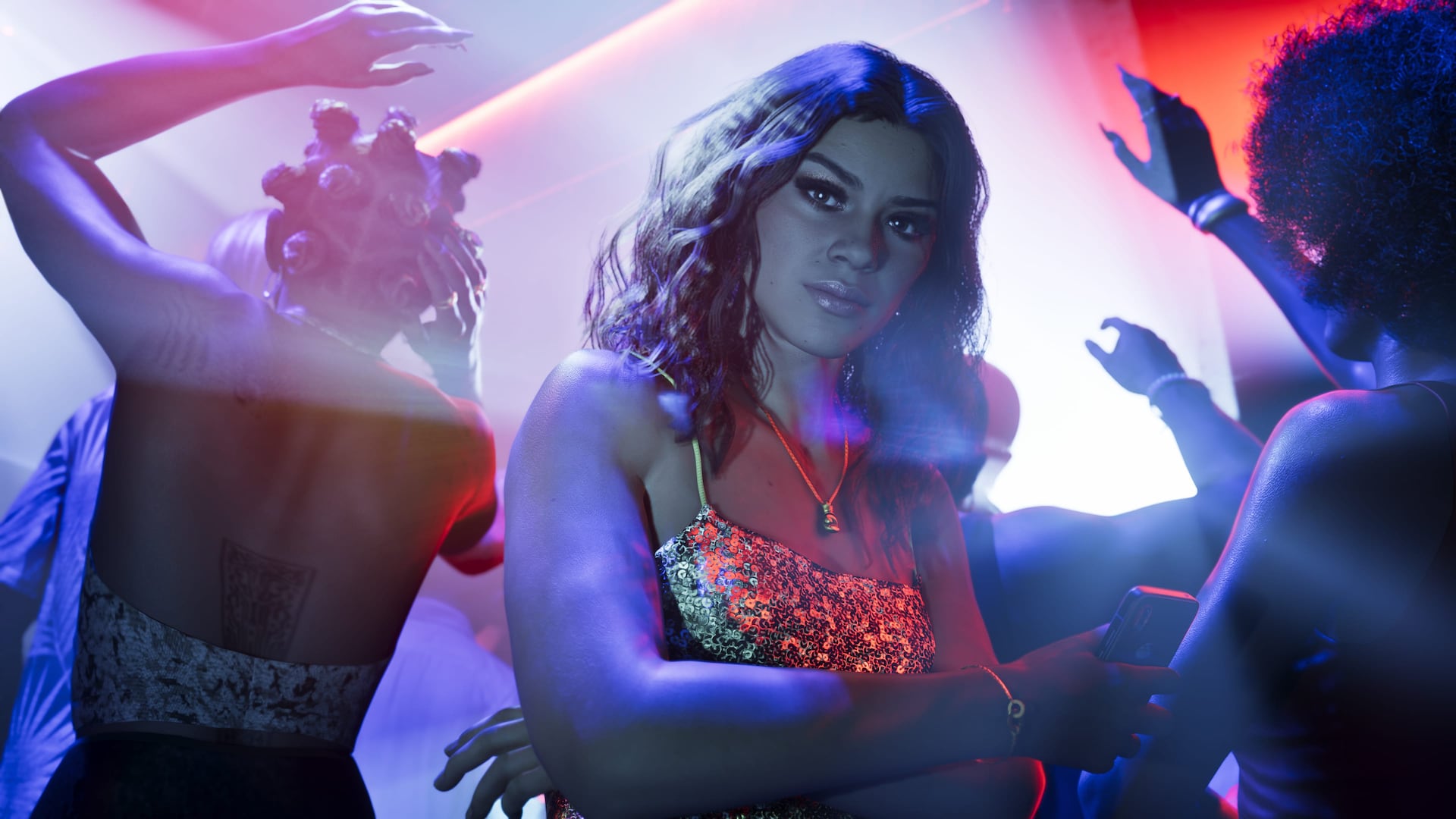
Questions
How do I open photo mode?
Pause the game and pick Photo Studio, or press Square or X on the pause screen, guides say.
Can I change the weather in Photo Studio?
Beebom reports that you cannot change the weather or time of day.
How do I take a selfie?
Open the phone with up on the D-pad, choose Camera and switch to the front camera.
Sources and further reading
- GTA 6 controls (SixStarsWanted)
- Beebom: How to use photo mode in GTA 6
- TechRadar: GTA 6 photo mode reaction
- Gfinity: How to access and use photo mode
Last updated 2026-11-06.
Related pages
 Phone and social feedAn in-game social platform where NPC posts go viral, NPCs livestream, and Snapmatic returns.
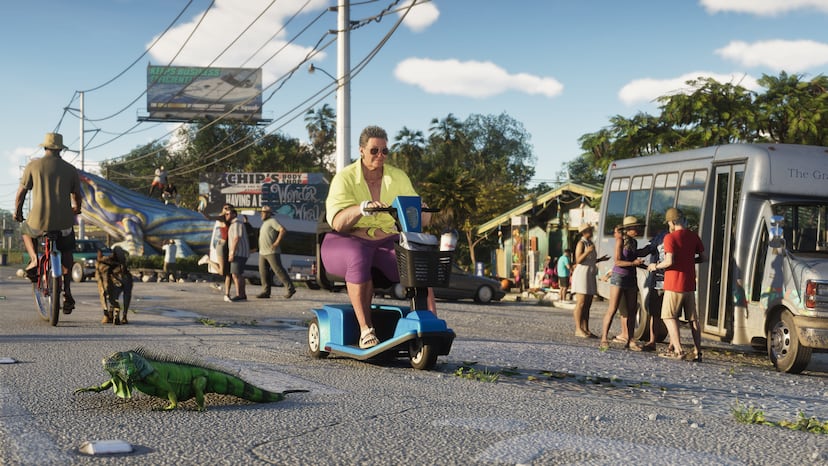 Weather and stormsGTA 6's weather affects play: islands and buildings shelter water from the wind so boats handle differently from place to place, flying through a storm too long damages your aircraft, and pedestrians run for cover.
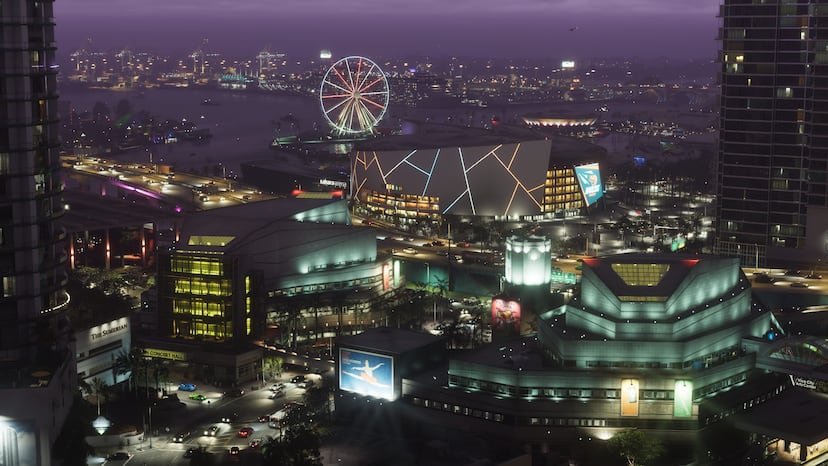 Time, days and nightsGTA 6's in-game days and nights last longer than GTA V's: Rob Nelson told Edge that at GTA V's speed everything felt too fast, so sunsets linger and there is more time after dark. Missions are paced out too.
 Controls and SettingsA plain guide to GTA 6's default controls on PS5 and Xbox, grouped by what you are doing, plus control schemes and aim settings.
 Accessibility OptionsA guide to the accessibility and comfort settings in GTA 6 and where guides say to find them.