Controls and Settings
The default button layout explained by situation, the three control schemes and the combat settings.
PS5, Xbox Series X|S Confirmed
Default, Classic, Left-Handed Reported
Swaps Run and Crouch Reported
Left stick click, no tapping Reported
Hold L1 / LB Reported
L3 + R3 Reported
Settings, Gameplay, Combat Reported
Controls and Settings explains how GTA 6 is played on a pad. The default layout puts sprint on a stick click with no tap-to-run, uses the left bumper for the loadout wheel, and opens Focus by clicking both sticks. Three schemes are offered: Default, Classic and Left-Handed. Reported For every button, see our full controls list. Reported
Buttons that work everywhere
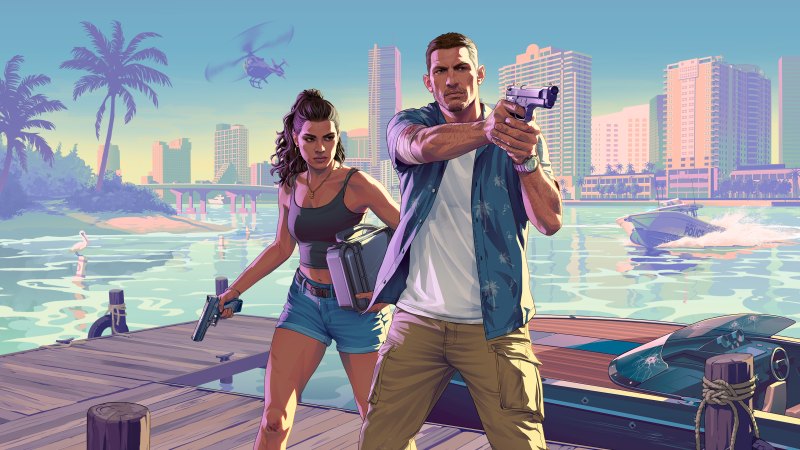
A few inputs do the same job in almost every situation Reported. The touchpad or View button opens the map, and the Options or Menu button pauses. Pressing down on the D-pad shows the HUD and your objective, and holding it opens quick navigation. Holding right on the D-pad opens the partner menu, and adding R1 or RB switches between Jason and Lucia. Holding the left bumper opens the loadout wheel for weapons, items and clothing. Clicking both sticks together triggers Focus.
| Action | PS5 | Xbox |
|---|---|---|
| Map | Touchpad | View |
| Show HUD | D-pad down | D-pad down |
| Partner menu | Hold D-pad right | Hold D-pad right |
| Switch character | Hold D-pad right + R1 | Hold D-pad right + RB |
| Loadout wheel | Hold L1 | Hold LB |
| Focus | L3 + R3 | Both sticks |
| Phone | D-pad up | D-pad up |
On foot
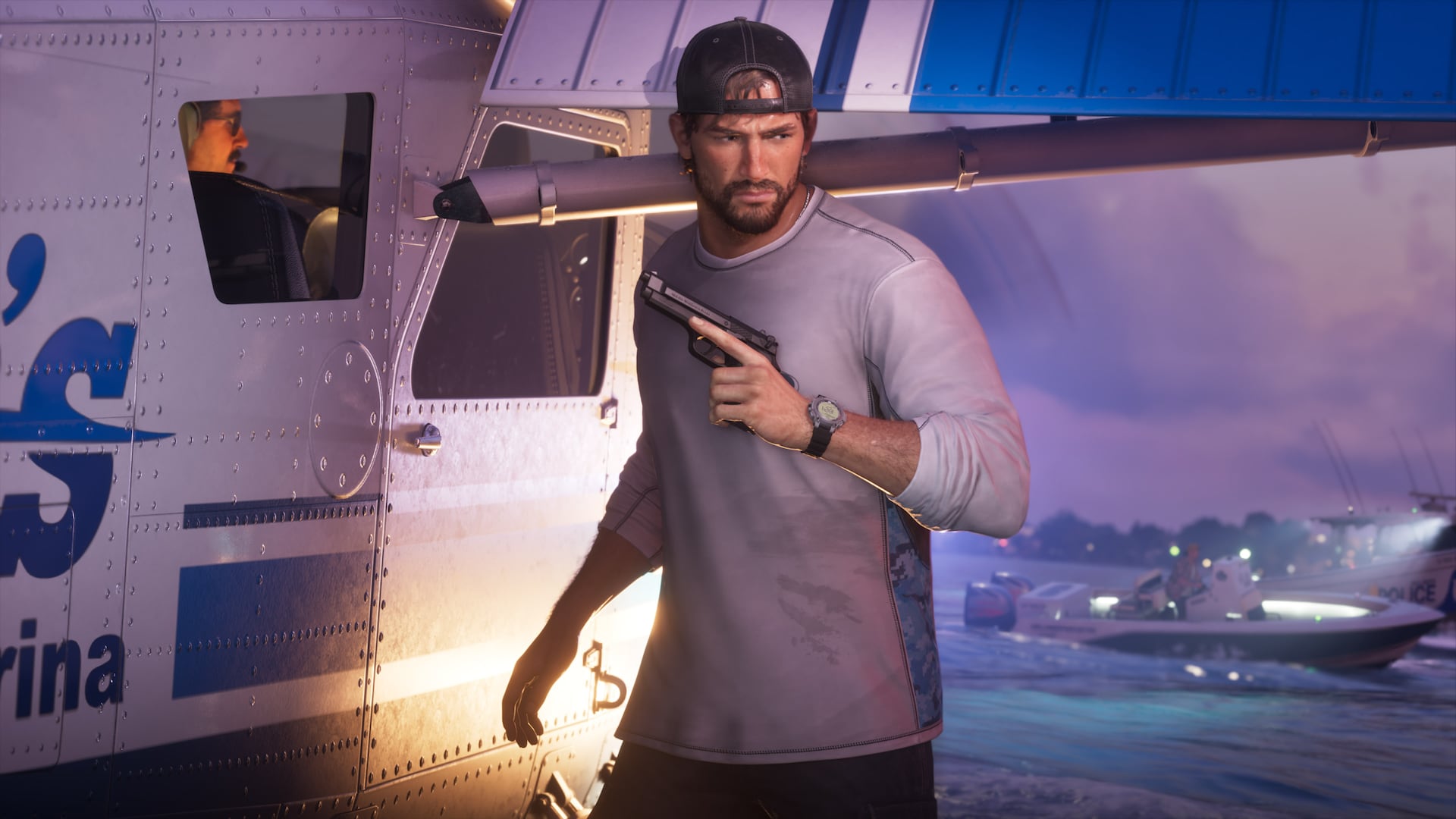
You move with the left stick and run by clicking it. GTAbase stresses there is no tap-to-sprint Reported. Cross or A jumps, climbs and vaults, and a second press right after a climb chains moves together. Circle or B crouches, and holding it rests. R1 or RB takes cover. Triangle or Y handles doors, items and vehicles, while holding L2 or LT talks to people or whistles to lure an enemy Reported. Holding R2 or RT from behind grabs someone quietly, and a tap of Square or X then takes them down Reported. Holding D-pad up opens the WAiNK app, and holding R1 or RB with it open scans a vehicle Reported. See WAiNK.
Shooting and fist fights
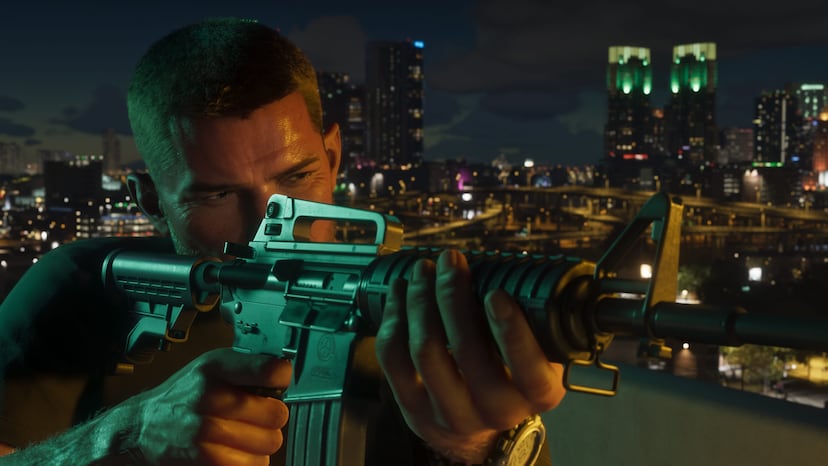
Aiming uses L2 or LT and firing uses R2 or RT, the usual layout. While aiming, D-pad left swaps your shoulder, Triangle or Y quick-swaps your weapon and R3 zooms Reported. Explosives are aimed with L2 and thrown with R2, and holding R2 primes them Reported.
Melee is built around a lock-on with L2 or LT. Square or X punches and holding it gives a heavy attack. Holding R2 or RT grapples. Holding Cross or A blocks, and pressing it just before a blow lands counters or dodges Reported. More on fighting is on Shooting and combat.
Cars, bikes and boats
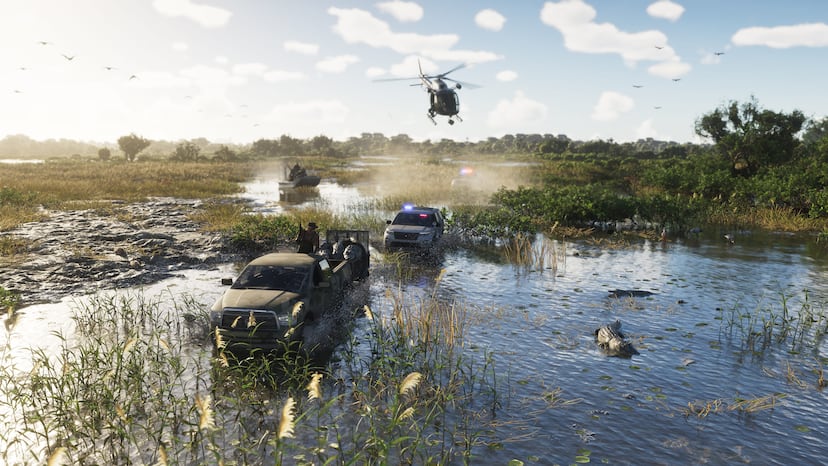
Driving uses the triggers for speed and braking and the left stick to steer. Holding Cross or A while turning pulls the handbrake. A left stick click is the horn or nitrous. Holding Circle or B ducks to hide from police Reported. In a vehicle, shooting moves to R1 or RB, and L1 or LB draws a sidearm Reported. Holding D-pad left opens the vehicle menu for radio, lights and windows. Triangle or Y gets out, holding it stops first, and a double tap jumps out with the engine running Reported. GTAbase lists boats under the same scheme without separate buttons Reported.
Bicycles pedal with R2 or RT, sprint with Cross or A and bunnyhop with Circle or B Reported.
Swimming, parachute and aircraft
| Situation | Key inputs (PS5 / Xbox) |
|---|---|
| Swimming | Click left stick to swim faster; hold R1 / RB to dive; Cross / A to surface; hold L2 / LT to aim or strafe underwater Reported |
| Parachute | Cross / A opens it; L2 / LT and R2 / RT brake left and right; Triangle / Y detaches Reported |
| Planes | Left stick pitches and rolls; R2 / RT and L2 / LT set throttle; Square and Circle (X and B) yaw; left stick click toggles landing gear Reported |
| Helicopters | R2 / RT climbs, L2 / LT descends; Square and Circle (X and B) turn Reported |
Diving links to Scuba diving, and flying to Helicopters, seaplanes and aircraft.
Control schemes
You can preview and switch schemes under Settings, then Control Scheme Reported.
- Default: the layout described on this page Reported.
- Classic: swaps the Run and Crouch buttons, so running feels closer to older games Reported.
- Left-Handed: a mirrored layout. Our sources do not list its exact mappings Unknown.
Combat, camera and accessibility settings
GTABoss, writing after launch, lists seven combat options under Settings, then Gameplay, then Combat Reported. Targeting has three choices for how aim locks on; on Partial, the aim drifts toward a nearby target without locking Reported. Aim Assist Strength is a slider. Shooting Assist, Drive-By Assist and Quick Draw are on-off toggles. Cover Selection and Holster in Vehicle each have two options Reported. The fuel gauge can be shown or hidden in the UI settings Reported.
Inspect Surroundings (L2 + R3) is one of a few ways to get a first-person view Reported. A full list of camera and accessibility options was not in the sources we used Unknown.
How sure this is
The platforms are confirmed by Rockstar Confirmed. The button layout comes from GTAbase's post-launch controls guide and the settings from GTABoss; both are Reported. We have not checked these controls in the game yet. Our controls page has the complete button list.
Official screenshots
Questions
How do you sprint in GTA 6?
Click the left stick. Guides say there is no tap-to-sprint on the default scheme.
What does the Classic scheme change?
It swaps the Run and Crouch buttons.
Where are aim assist settings?
Under Settings, Gameplay, Combat, including Targeting and an Aim Assist Strength slider.
How do I use Focus?
Click both sticks together, L3 and R3.
Sources and further reading
- Full GTA 6 controls list (SixStarsWanted)
- GTA 6 cheats (SixStarsWanted)
- GTAbase: GTA 6 controls guide
- GTABoss: Combat, aim assist, Focus and hit markers
- All Things How: Loadout wheel
- PowerPyx: All gas stations
Last updated 2026-11-06.
Related pages
 Focus and Combat FocusHow GTA 6's Focus ability works, what drains and refills the bar, how to grow it, and the cheat and trophy tied to it.
 Shooting and combatCover-based free aim, a weapon wheel, a slow-motion kill cam, melee and gun ranges.
 Partner SystemHow GTA 6's partner system works: the partner menu, switching, shared activities, the relationship meter, and the cheats and trophies tied to it.
 Character switchingHow switching between Jason and Lucia works: instant when together, a transition when apart.
 Driving and fuelFuel gauges, tire-shooting, damaging crashes, narrower streets and the garages Rockstar has described.