First-Person View
No full first-person mode at launch. Here is every place the game still drops into a first-person camera.

No Reported
First-person in some Reported
Down sights with some weapons Reported
Yes, exits when you move Reported
First-person option in settings Reported
Three for land and water vehicles Reported
GTA 6 does not have a full first-person mode at launch. VGC and Engadget both confirm there is no option to play the whole game through the protagonist's eyes, as GTA 5 allowed from 2014. Reported Several limited first-person views do exist. Reported
ReportedNo full mode
VGC says GTA 6 does not have a traditional first-person mode. Reported GTA 5 added one with its PS4 and Xbox One release, covering both story and online. Reported Engadget speculates Rockstar could add one later as it did with GTA 5. Speculation Nothing has been announced. Unknown
Where first person appears
- Some vehicles: VGC says the game moves to a first-person view in certain vehicles. Reported
- Aiming: you can aim down sights with some weapons. Reported
- Standing still: a look-around view for studying details. Reported
- Phone: an optional first-person view whenever your character looks at the phone, even while driving. Reported
The standing look-around
VGC says to press L2, then click L3 and R3 together for a first-person view with full camera control. Reported Moving exits it. Reported Clicking L3 and R3 without L2 triggers Focus instead, which uses the focus meter. Reported Engadget describes the same view as holding the left trigger and clicking the right stick. Reported See Focus and Combat Focus.
Camera settings
Engadget lists the Camera tab options:
| Setting | Options |
|---|---|
| On foot | Camera height, horizontal and vertical follow speed Reported |
| Land and water vehicles | Follow speeds as driver or passenger Reported |
| Aircraft | Follow speed; follow during barrel rolls Reported |
| Phone | First-person view when using the phone Reported |
In land and water vehicles, hold D-pad Down to pick one of three camera heights or the cinematic camera. Reported Engadget warns the cinematic view looks great but makes steering harder. Reported
Tips
- Turn on the phone first-person option if you like seeing the screen up close. Reported
- Use the standing view to read signs and study clues. Reported
- For framed shots, use Photo Studio instead. Reported
Why it matters
GTA 5's full first-person mode covered driving and shootouts. Reported In GTA 6, the closest options are the in-vehicle view where available, aiming down sights and the cinematic camera. Reported Players who want a closer view while driving can try the three camera heights. Reported
The phone view
Engadget explains the phone option in detail. With it on, whenever your character looks at the phone you see the device in first person. Reported This also applies while driving, where you see both the screen and the road from the driver's eyes. Reported It is a small setting, but it brings the many phone apps, from WhatUp to RydeMe, closer to the screen. Speculation
Where sources differ
VGC gives the standing view as L2, then L3 and R3 together. Engadget gives it as holding the left trigger and clicking the right stick. Reported Try both. Other settings are on Controls and Settings and Accessibility Options.
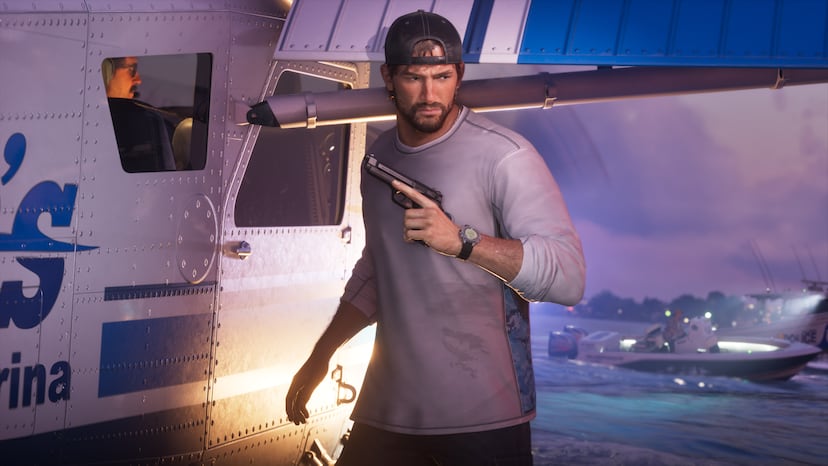
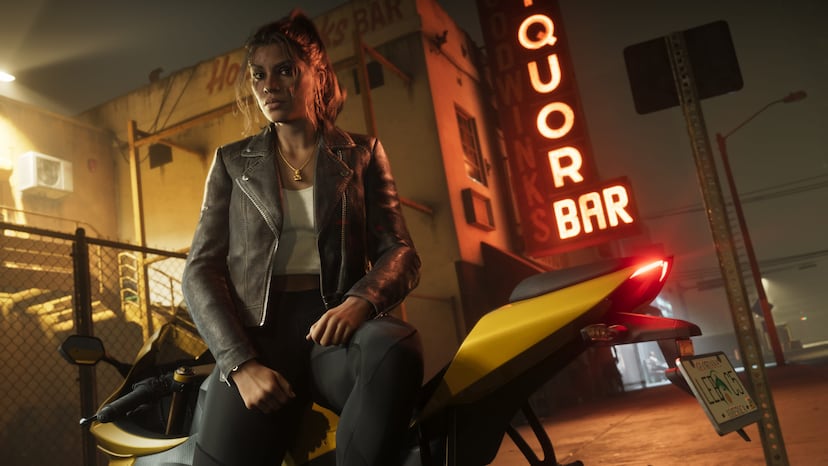
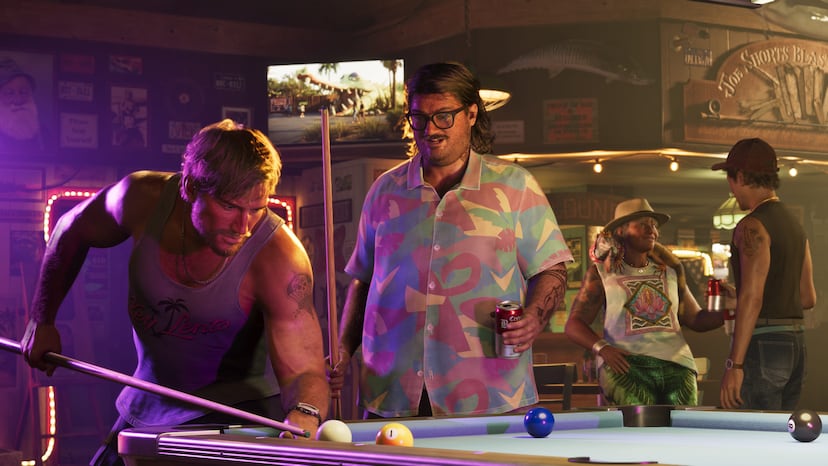
Official screenshots
Questions
Does GTA 6 have first-person mode?
Not a full one. There are limited first-person views.
How do I look around in first person?
VGC says press L2, then click L3 and R3. Engadget says hold the left trigger and click the right stick.
Can I drive in first person?
Some vehicles switch to first person, per VGC.
Will Rockstar add a full mode?
Nothing is announced.
Sources and further reading
Last updated 2026-11-06.
Related pages
 Controls and SettingsA plain guide to GTA 6's default controls on PS5 and Xbox, grouped by what you are doing, plus control schemes and aim settings.
 Accessibility OptionsA guide to the accessibility and comfort settings in GTA 6 and where guides say to find them.
 Focus and Combat FocusHow GTA 6's Focus ability works, what drains and refills the bar, how to grow it, and the cheat and trophy tied to it.
 Photo StudioWhat GTA 6's Photo Studio and phone camera can do, based on launch-week guides and reports.
 Phone Settings and PluginsThe Settings app on the GTA 6 phone changes wallpaper and ringtone, mutes notifications, and installs third-party plugins the story gives you, such as the cop scanner and the key cloner.