How to Use Auto Drive
Set a waypoint, go cinematic, hold Circle, and let Jason or Lucia take the wheel. Slow, legal and free.
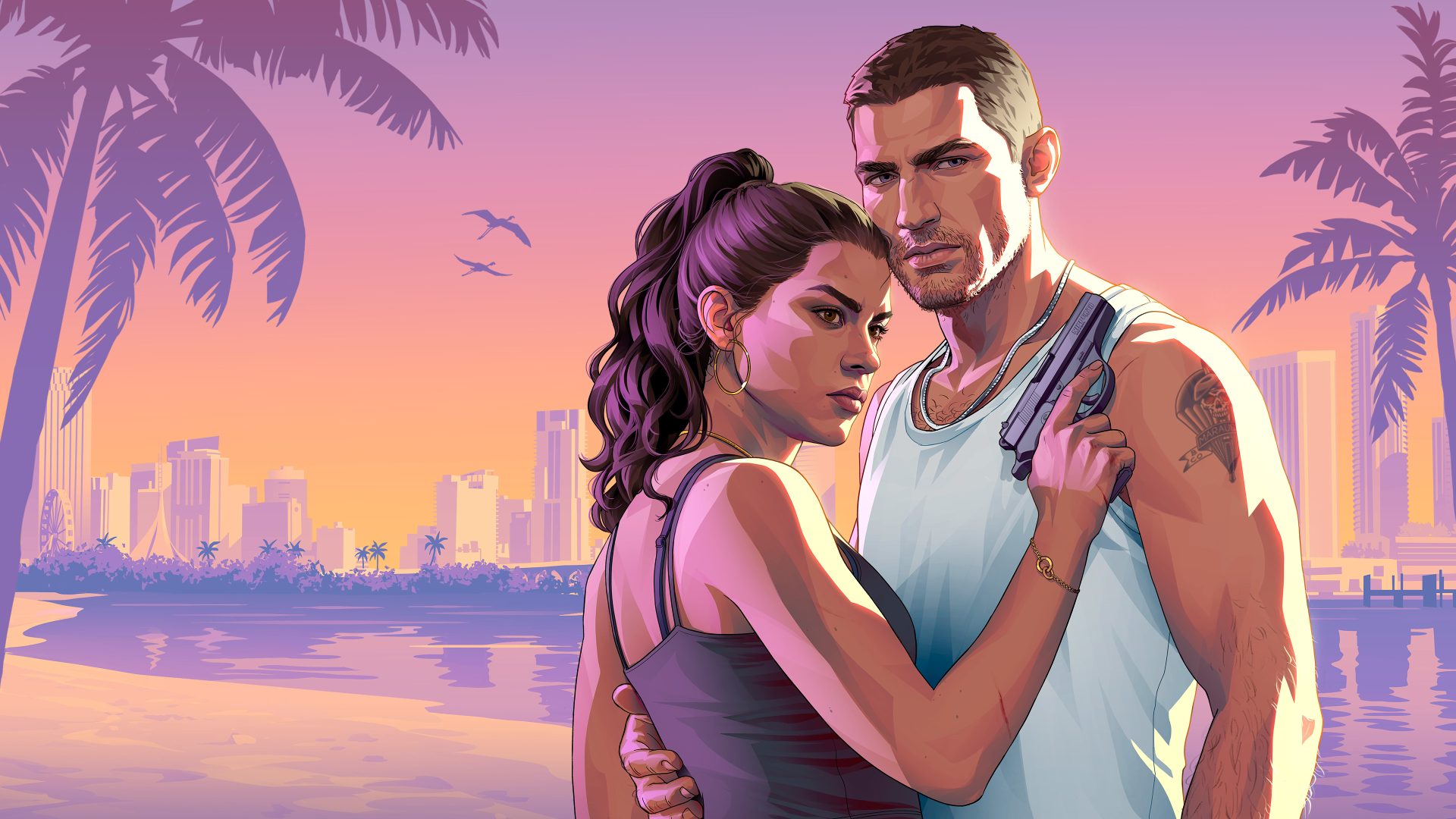
A vehicle and a waypoint Reported
Hold Down on D-pad Reported
Options / Menu for cinematic view Reported
Hold Circle / B Reported
Adjust with L2/LT and R2/RT Reported
Cars and boats Reported
GTA 6 lets your character drive for you. Auto drive takes you to a waypoint while you enjoy the cinematic camera. It is free, obeys traffic rules, and is never the fastest way to get anywhere. Reported
ReportedHow to turn it on
- Get in a vehicle and set a waypoint on the map. Reported
- Hold Down on the D-pad to open camera options. Reported
- Press Options (PS5) or Menu (Xbox) to switch to cinematic view. Reported
- Hold Circle (PS5) or B (Xbox) to hand over the wheel. Reported
Playnews stresses that the cinematic camera on its own does nothing. Holding Circle or B is what starts auto drive. Reported See How to Use the Map and Waypoints for setting the marker.
Speed and canceling
Playday says L2/LT and R2/RT change the driving speed, from a relaxed cruise to something quicker. Reported Playnews adds that even the fastest setting is slow. Reported Hold Down on the D-pad again to take back control. Reported
How it drives
Jason or Lucia follow traffic laws and never run a light or force right of way. Reported That makes auto drive a poor choice when you are in a hurry or being chased. Speculation How it reacts to a Wanted level has not been described. Unknown
Auto drive on boats
It works on Boats too, but only toward destinations reachable by water. If you set a land target from a boat, auto drive switches off once it cannot go further. Reported
A lazy way to clear fog
Playnews reports that distance covered on auto drive lifts the map's fog of war just like driving yourself. A far-off waypoint can reveal large areas. Reported Flying a crop duster is still quicker. See How to Remove Map Fog.
Auto drive versus RydeMe
Auto drive is free and keeps you in your own car, with its trunk of outfits and guns. RydeMe costs money but can skip the trip for $100 extra. Reported Pick auto drive for sightseeing, the radio or long scenic runs, and a taxi when time matters. See How to Fast Travel and Radio stations.
Where sources differ
Playnews says you pick a cruising speed and that even the top option is slow. Playday describes L2/LT and R2/RT changing speed on the fly up to something faster. Reported Both agree it is not for quick trips. Playnews says there are no story requirements to use it. Reported
Official screenshots
Questions
How do you auto drive in GTA 6?
Set a waypoint, hold Down on the D-pad, press Options or Menu for cinematic view, then hold Circle or B.
Can I make it go faster?
Yes, with L2/LT and R2/RT, but even the top speed is slow.
Does it work on boats?
Yes, for destinations reachable by water.
Does auto drive clear map fog?
Yes. Distance driven counts toward revealing the map.
Sources and further reading
Last updated 2026-11-06.
Related pages
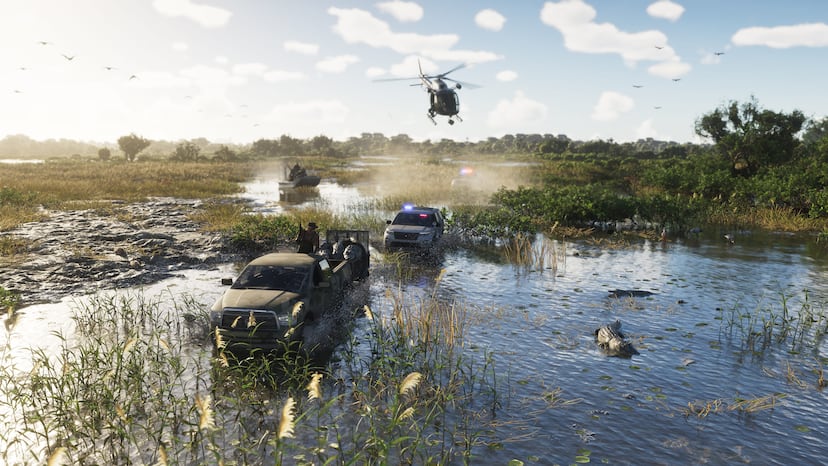 Driving and fuelFuel gauges, tire-shooting, damaging crashes, narrower streets and the garages Rockstar has described.
 How to Use the Map and WaypointsHow to open the GTA 6 map, set and follow waypoints, and choose between the dynamic minimap, compass and always-on display.
 How to Fast TravelHow fast travel works in GTA 6: Paradise Taxi early on, the RydeMe app after the Buck Me mission, skipping rides, costs and limits.
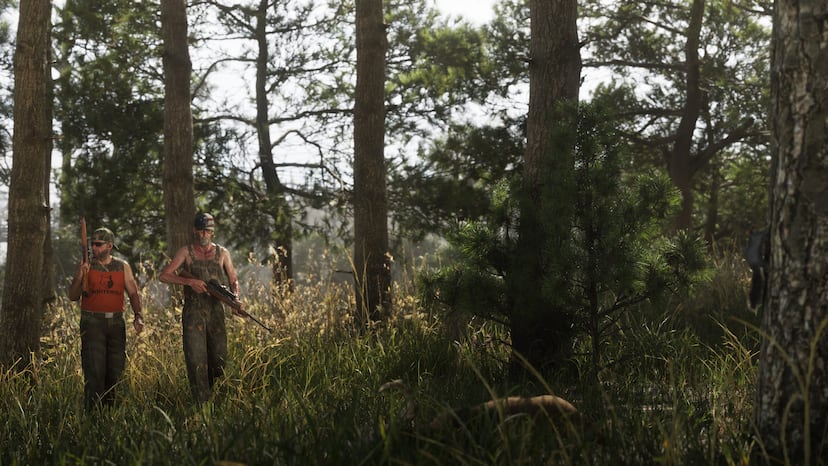 How to Remove Map FogHow to clear the fog of war from GTA 6's map, mainly by flying a crop duster through each map segment, plus the trophy it unlocks.
 Radio stations22 GTA 6 radio stations are reported at launch, 20 music and 2 talk, including Flash FM, Vice City FM, V-Rock and Emotion 98.3.
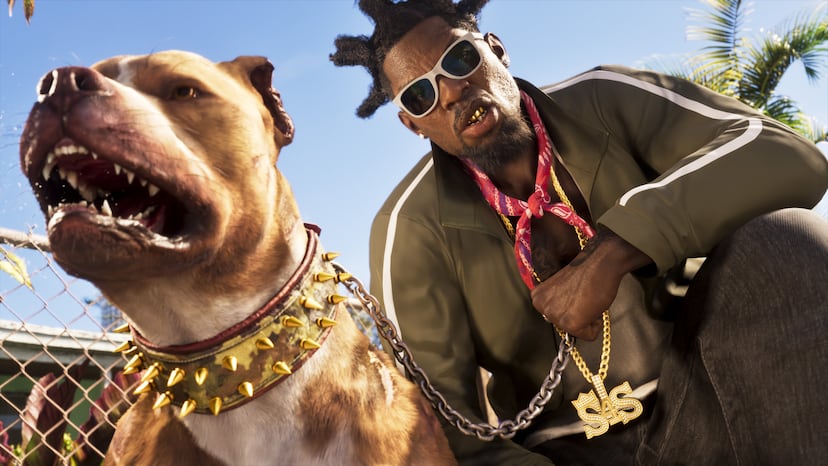 Transport and TravelHow public transport and paid rides work in GTA 6, from 25 train stations and 2 ferry terminals to taxis, RydeMe and the hidden fast travel system.