How to Use the Map and Waypoints
Open the map, drop a destination, follow the pink line, and pick the minimap mode that suits you.
Touchpad (PS5) / Menu (Xbox) Reported
Set Destination with X / A Reported
Pink line on the minimap Reported
Bottom left Reported
Dynamic, Dynamic + compass, Always on Reported
Pause, Settings, UI, Navigation Reported
GTA 6's map is big and partly fogged at the start, and its minimap can hide itself. Using the map and waypoints well saves a lot of wrong turns. This guide covers the inputs, the GPS line and the navigation settings, as launch guides describe them. Reported
ReportedOpening the map
Beebom says the world map opens with the touchpad on PS5 or the Menu button on Xbox Series X|S. Reported Parts of the map start under fog. See How to Remove Map Fog.
Setting a waypoint
- Move the cursor to a map icon or any spot. Reported
- Choose Set Destination with X (PS5) or A (Xbox). Reported
- Close the map and follow the route. Reported
For big areas like beaches, parks or industrial zones, Beebom suggests placing the marker at the entrance you actually want. Reported
Following the route
A pink line runs from you to the waypoint on the bottom-left minimap and shows the distance left. Reported You can follow it without reopening the map. If you would rather not drive, the same waypoint powers auto drive and RydeMe trips. Reported
Minimap and compass modes
| Mode | What it does |
|---|---|
| Minimap (Dynamic) | Shows only when needed: driving, missions, marked objectives. Hides around your safehouse Reported |
| Minimap and Compass (Dynamic) | Adds a compass at the top with nearby shops, missions and points of interest. Flashes red and blue when wanted Reported |
| Minimap Always On | Minimap stays up during play, but not in cutscenes Reported |
You pick a preset when you first load in. Reported
Changing it later
- Open the pause menu (Options or Menu). Reported
- Go to Settings, then UI. Reported
- Switch tabs with R1 or RB and scroll to Navigation. Reported
- Set Minimap and Compass each to Off, Dynamic or On. Reported
The settings menu lets you mix the two freely, unlike the three presets at load-in. Reported MetaForge adds that a fuel gauge above the minimap can be turned on in UI settings too. Reported More on Controls and Settings.
The map during a chase
GTABase notes police are not shown on the minimap, but your map arrow tells you whether you are hidden, and the red Heat area appears on the map after you escape. Reported See How to Lose the Cops.
What is not covered
The guides we read do not describe the map legend, filters or a quick-GPS menu. Unknown For the named places on Rockstar's map, see Places on the official map.
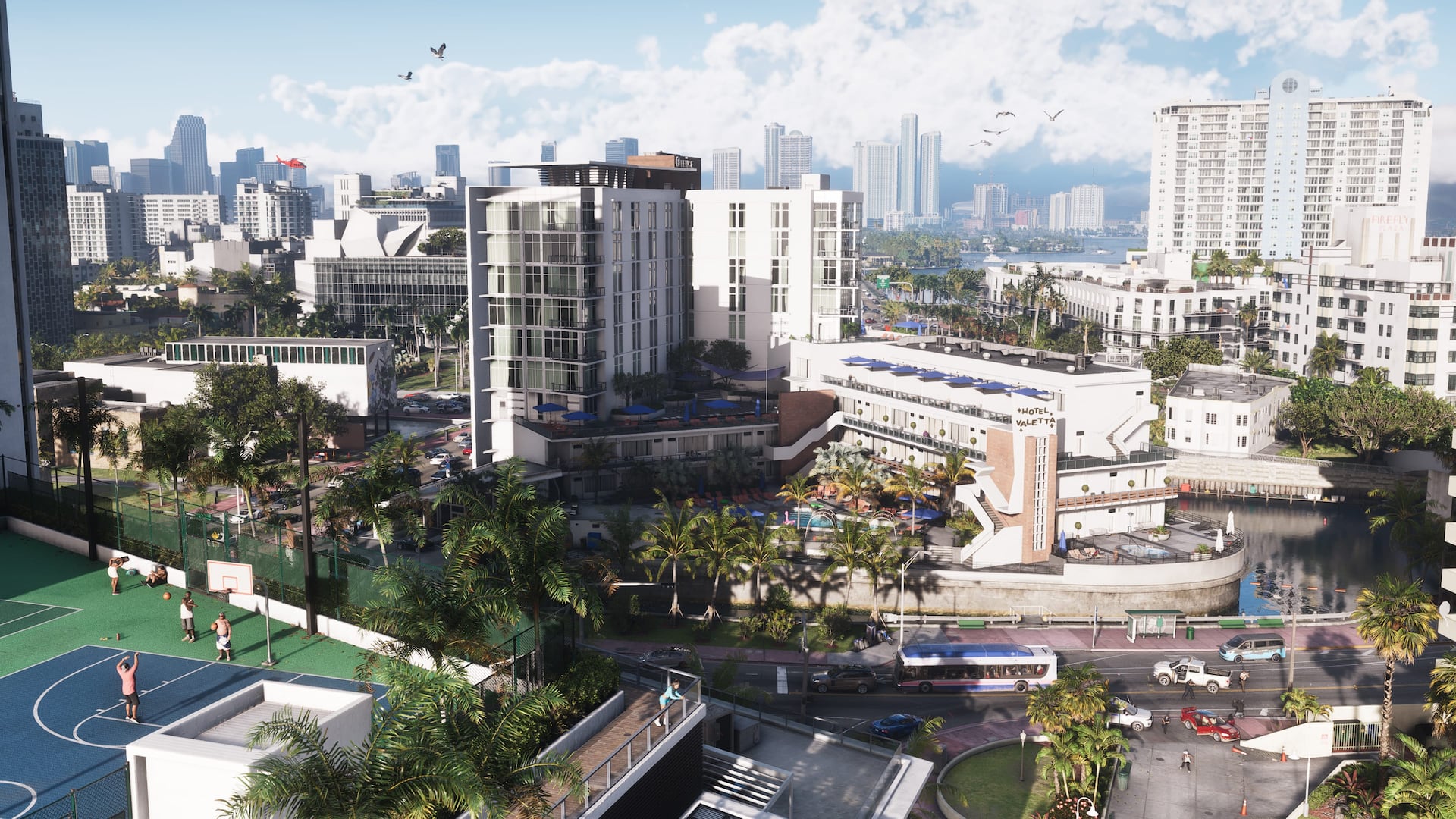
Official screenshots
Questions
How do I set a waypoint in GTA 6?
Open the map, highlight a spot and choose Set Destination with X or A.
Why does my minimap disappear?
The default dynamic mode hides it when it is not needed. Set it to On in Settings, UI, Navigation.
What color is the GPS route?
Pink.
Can I show the compass without the minimap?
Yes. The settings menu lets you set each one separately.
Sources and further reading
- Beebom: How to Set and Track Waypoints in GTA 6
- Beebom: GTA 6 Minimap and Compass (Navigation Experience) guide
- MetaForge: How to fly a plane in GTA 6
- GTABase: GTA 6 Wanted Level explained, police system guide
Last updated 2026-11-06.
Related pages
 Controls and SettingsA plain guide to GTA 6's default controls on PS5 and Xbox, grouped by what you are doing, plus control schemes and aim settings.
 How to Remove Map FogHow to clear the fog of war from GTA 6's map, mainly by flying a crop duster through each map segment, plus the trophy it unlocks.
 How to Use Auto DriveHow to turn on auto drive in GTA 6, the controls for speed and canceling, how it behaves on roads and water, and how it helps clear map fog.
 How to Fast TravelHow fast travel works in GTA 6: Paradise Taxi early on, the RydeMe app after the Buck Me mission, skipping rides, costs and limits.
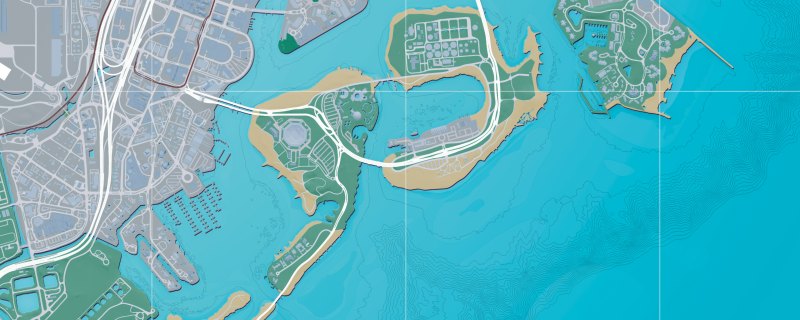 Places on the official mapA list of 104 towns, districts, islands and landmarks named on Rockstar's official map of Leonida, with a link to each on our interactive map.
 Accessibility OptionsA guide to the accessibility and comfort settings in GTA 6 and where guides say to find them.