GTA 2 cheats
No police (PC)
Updated November 22, 2026
GTA Archive › GTA 2 › GTA 2 cheats › No police (PC)
Cheat code
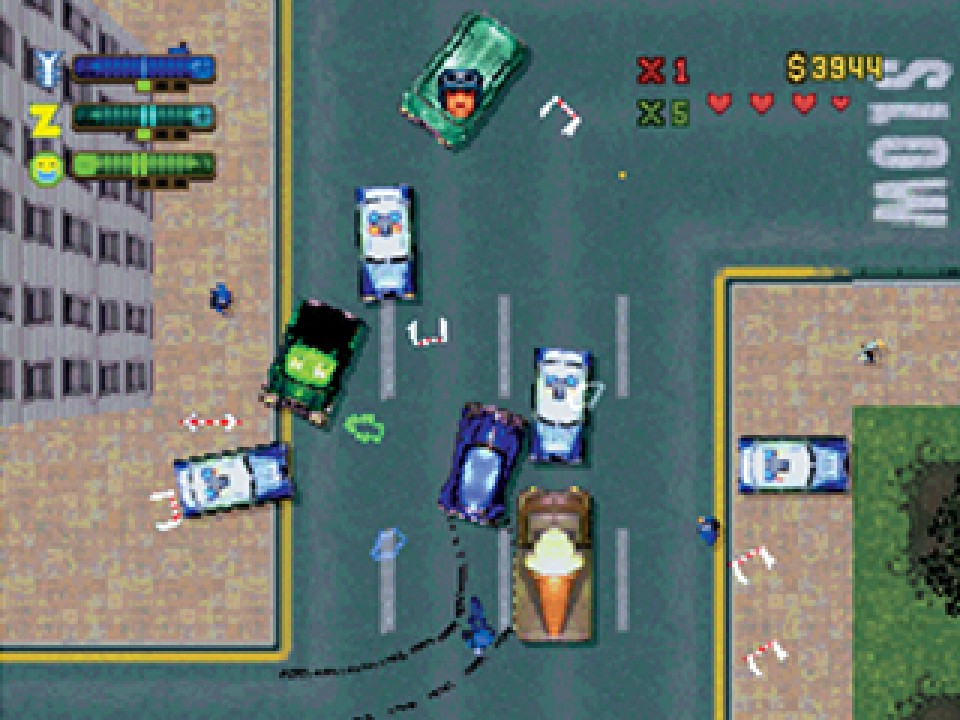
LOSEFEDS is the PC cheat for no police in GTA 2, stopping officers from responding to Claude's crimes.
At a glance
| Code | LOSEFEDS |
| Platform | PC |
| Effect | No police |
| Category | Police |
| How to enter | Typed as the player name, after GOURANGA |
What we know
LOSEFEDS stops the police from responding to Claude's crimes, so a wanted level never builds. Patrol cars, roadblocks, SWAT vans, special agents and the army all stay out of the picture, however much chaos you cause.
On PC, the code goes in through the player name. Our list notes that GOURANGA must be typed first to enable cheat entry and then deleted, after which LOSEFEDS replaces it.
Gangs still react as normal. Respect still decides who opens fire, and rival gang members are just as dangerous as before. That makes LOSEFEDS a useful way to focus on the gang war itself, or to explore Residential and Industrial without the army showing up at high wanted levels.
The same word works on PlayStation. Wanted level cheats became a fixture of the series: GTA III and Vice City had codes to clear or raise the wanted level, and GTA V has both too. A code that removes the police entirely for a whole session is rarer, and suits GTA 2's sandbox style.
Step by step
- Open the player name screen.
- Type GOURANGA, then delete it.
- Type LOSEFEDS and start the game.
Tips
- Use a separate player name so your normal save is left alone.
- Stay alert for gangs, which the cheat does not affect.
Quick answers
What is the no police cheat for GTA 2 on PC?
LOSEFEDS, typed as the player name after enabling cheats.
Do gangs still attack with LOSEFEDS?
Yes. It only affects the police.
More from GTA 2 cheats
- No police (PlayStation)
- Maximum wanted level (PlayStation)
- Maximum respect from all gangs (PC)
- More blood (PC)
- Only mugger pedestrians spawn (PC)
- All pedestrians naked (PC)
- Only Elvis pedestrians spawn (PC)
- All cars are mini cars (PC)
- Skip exploding scores (PC)
- Turbo mode (PlayStation)
- Unlock the three main levels (PC)
- Unlock all levels and bonus levels (PC)
- Level select (PlayStation)
- Display coordinates (PlayStation)
- Debug basic scripts (PlayStation)
- Enables cheat entry (PC)
- Invincibility (PC)
- 99 lives (PC)
- Invisibility (PC)
- Unlimited double damage (PC)
- Keep weapons after death (PC)
- Unlimited get out of jail free cards (PC)
- Invincibility (PlayStation)
- All weapons with maximum ammo (PC)
Sources: gta.wiki · Grand Theft Wiki · GameRevolution