Hot-wired from SixStarsNetwork: new Red Dead and GTA V hubs, plus a search bar we are testing
Red Dead Redemption, Red Dead Redemption 2, a Red Dead Redemption 3 waiting room and Grand Theft Auto V now run on pages built for SixStarsNetwork, each in its own theme with maps, trackers and guides. The network's search is live here too, as a test.
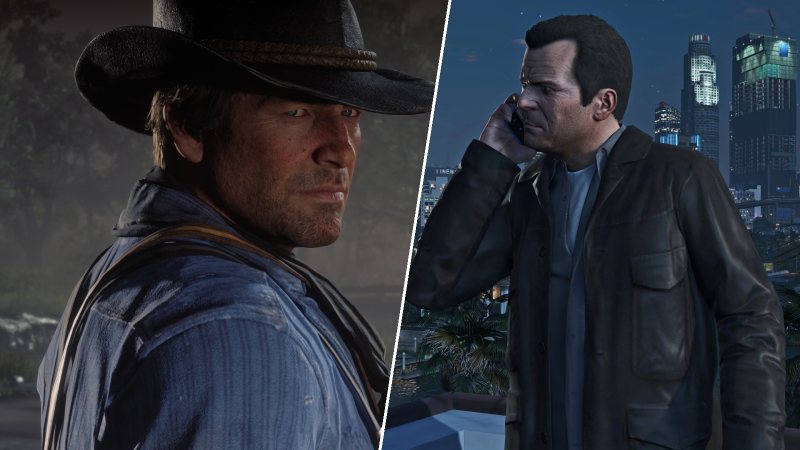
Short one. Four of our Rockstar pages have been rebuilt using parts hot-wired from SixStarsNetwork, our sister site for other games, which launches on December 31. We wanted to see how the network's hub design holds up with real readers before it goes live, and Red Dead and GTA V were the obvious test drive.
What's new
- Red Dead Redemption 2 HQ: a full black, red and white Red Dead theme, a taller hero, an interactive map of the frontier, a legendary animal tracker that saves as you go, and three new guides: every weapon, every food and drink and every crafting recipe, with a cooking calculator.
- Red Dead Redemption: John Marston's 1911 page in the same theme, with its own screenshot slideshow.
- Red Dead Redemption 3: a waiting room. It is not announced, so the page tracks what Rockstar, Take-Two, analysts and actors have actually said, labelled by who said it, plus a live clock since RDR2 came out.
- Grand Theft Auto V HQ: Los Santos green, a map of San Andreas with the five big scores and the safehouses, a 100% checklist, and a new page with every GTA V cheat for PC, PlayStation, Xbox and the phone.
All four sit together under Network games in the Network menu at the top of the site.
The search bar
The network's search is also running here as a test. Tap the search button at the top of any page, or press / or Ctrl+K on a keyboard. It covers every story, the wiki, the GTA 6 database and the new guides, and it will try to answer a plain question like "when does GTA 6 come out". There is a full search page too. New stories are added automatically every hour.
If something looks broken, or search can't find something it should, tell us. That is the point of testing it here first.
Quick answers
Does SixStarsWanted have a Red Dead Redemption 2 guide?
Yes. The RDR2 HQ has an interactive map of the five states, a legendary animal tracker, and full guides to weapons, food and drink, and crafting.
Is Red Dead Redemption 3 announced?
No. Rockstar has not announced it. Our RDR3 waiting room tracks what has actually been said and will update the day anything is official.
How do I search SixStarsWanted?
Tap the search button at the top of any page, or press / or Ctrl+K on a keyboard. It searches news, the wiki, the database and every guide, and answers simple questions.
More from SixStarsWanted
 Oct 25, 2026 · guide · By Rolo
Check your console storage tonight: GTA 6 pre-load is 18 days away, and your drive is fuller than you think
Rockstar still has not published an install size, pre-load opens November 12, and most PS5s and Xboxes are already full. Rolo walks through how to check your free space on each console in two minutes, what to delete, what to move, and what to leave alone.
 Oct 25, 2026 · opinion · By Vox
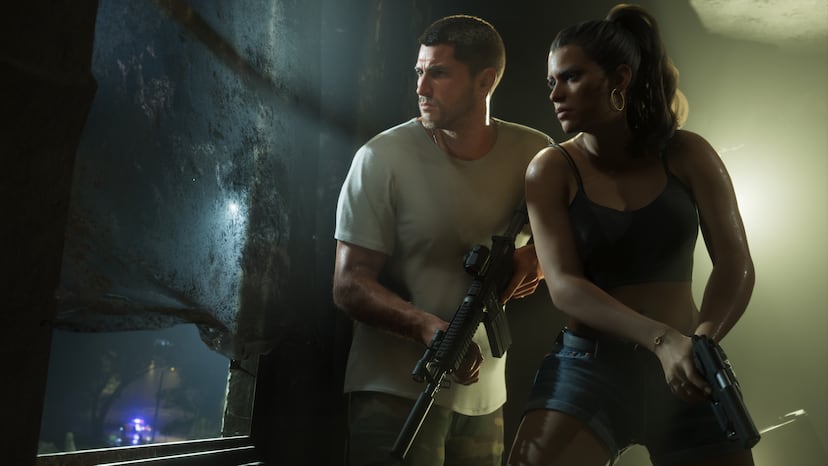
Opinion: This time next month, you will have been playing GTA 6 for days, and I have some predictions about the state of you
Thirty days from now, GTA 6 will have been out for most of a week on PS5 and Xbox. Vox on what that week will do to us, the PlayStation he swore he'd never buy again, and a moment of silence for PC players.
 Oct 25, 2026 · site update · By SixStarsWanted
The GTA 6 map has been rebuilt: drag it, zoom it, search it, and see every official screenshot where it was taken
Our GTA 6 map page has a new interactive map with 66 pins, all 42 official screenshots placed by location, search, a tour of the six regions and a storm mode, plus everything new since the launch trailer.