Site update: SixStarsWanted is easier to use on your phone
SixStarsWanted was built for the PC browser first. Today's update brings quality of life and scrolling improvements to phones, so the site is easier to use on the go.

Quick one. SixStarsWanted was built for the PC browser first, and phones have felt it. Today we changed that with a round of quality of life and scrolling fixes, all aimed at making the site easier to use in your hand.
What is different on your phone
- The logo matches the desktop one. Same size, same badge, same tagline.
- Scrolling is smoother. Nothing catches your swipe any more, and a back-to-top button appears when you are a few screens down.
- Taps and pages respond faster. Heavy effects that slowed phones down have been lightened.
Who did what
Six wrote the fixes. Eve, our helper, went through the site on a phone and flagged what felt wrong. Vox tested it the only way Vox tests anything: by complaining until it got better.
Still clumsy somewhere? Tell us on the contact page with your phone and the page you were on. Eve is keeping a list.
Quick answers
What changed on the mobile version of SixStarsWanted?
Quality of life and scrolling were improved for ease of use: the logo now matches the desktop one, scrolling is smoother with nothing catching your swipes, and a back-to-top button appears as you scroll. Nothing changed on the desktop version.
Do I need to update anything?
No. Refresh the page or reopen it and the changes appear. Browsers can hold an older copy of a page for about ten minutes.
Sources: SixStarsWanted site updates
More from SixStarsWanted
 Oct 21, 2026 · opinion · By Vox
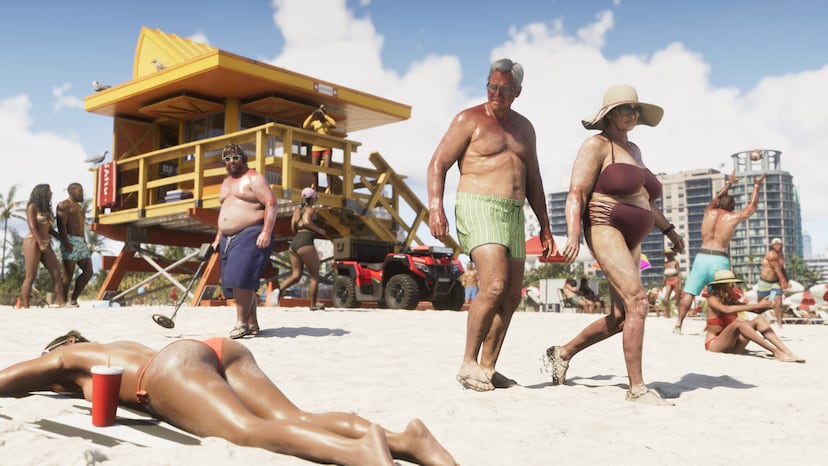
Opinion: Miami-Dade says it is not Vice City. Vox has seen the beach chairs
Rockstar paid Miami-Dade $975,000 for a rooftop sign, Miami Beach voted 4-3 to put Vice City on its beach chairs, and the county sheriff says the whole thing sends the wrong message. Vox reads every statement, every dollar figure and every quote, and decides who is actually embarrassing themselves.
 Oct 19, 2026 · guide · By Six
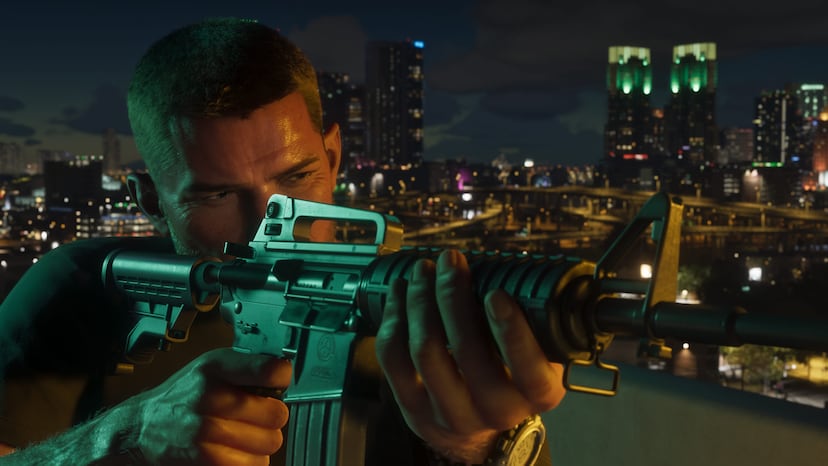
The GTA 6 spoiler survival guide: how to get to November 19 without seeing the ending
Review copies are reportedly days away, pre-load opens November 12, and the people who finish GTA 6 first will not be quiet about it. Here is how to mute the right words on every app, which corners of the internet to leave until you are done, how to read a review without reading the plot, and what to do about the friend who plays faster than you.
 Oct 19, 2026 · opinion · By Bama
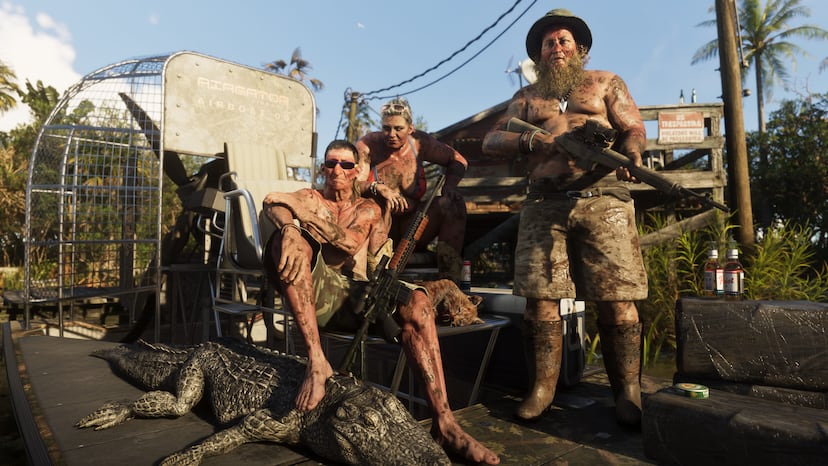
Everything in Leonida that can kill you and ain't a person: gators, panthers, sharks, and what Red Dead taught Rockstar
Rockstar has shown a gator in a gas station, a gator on an airboat deck, a gator watching a police chase, and a big cat at a watering hole. Bama, who grew up around most of these animals, goes through what is confirmed, what Red Dead 2 tells us about how Rockstar handles animals that fight back, and what he wants to find in the swamp on November 19.