GTA 6 won't start on launch night? Rolo's fix list for PS5 and Xbox Series X|S
Locked, still downloading, "you don't own this", a box code that won't take, or a download stuck at 99 percent. Rolo's launch-night fix list for GTA 6 on PS5 and Xbox, in the order to try it. Bookmark it now so you are not searching at midnight.
Short version first: if GTA 6 won't start on launch night, it is almost always one of five things, and most of them fix themselves once your region unlocks. Work down this list in order. Don't reinstall anything until you reach the bottom.
I'm Rolo. I do the hardware on this site. This is the night-of companion to my storage check and my pre-load day checklist (out November 10), which deal with space and settings beforehand. Labels as always: Confirmed is what Rockstar, Sony or Microsoft have said. General advice is how these consoles behave on every big launch.
1. "Locked" or a countdown on the tile
Confirmed. Pre-load is not early access. The files sit on your console until your region unlocks. Based on the PlayStation Store's own timestamps, that is midnight Eastern on November 19 in the US and Canada (9 PM Pacific on the 18th) and midnight in the UK. Rockstar has not published an official schedule. Our unlock times page has every region.
General advice. Nothing to fix. Leave the console on the home screen near the unlock time. If the tile still says locked five minutes after your time, close the game fully and open it again, then restart the console.
2. It is still downloading
General advice. Big launches often ship with an update on the day. Rockstar has not announced one for GTA 6, but plan as if it will. Open the downloads queue (PS5: the Downloads/Uploads card in the control centre; Xbox: My games and apps, Manage, Queue) and check that GTA 6 is at the top and actually moving.
If it is stuck:
- Pause it, wait ten seconds, resume it.
- Close anything else that is downloading. Other game updates share the same pipe.
- Plug in a network cable if you can. Wi-Fi in a busy house at midnight is not your friend.
- Restart the console from the power menu, not rest mode.
3. "You don't own this" or "can't start the game"
This is a licence problem, not a broken game.
On PS5: Settings, Users and Accounts, Other, Restore Licenses. Then check the pre-order shows in your PlayStation Store transaction history, and that you are signed in to the same account that bought it. If you share a console, the PS5 must be set as your primary console (Settings, Users and Accounts, Other, Console Sharing and Offline Play) for other users on it to play.
On Xbox: sign in with the account that bought it, then set the console as your home Xbox: Settings, General, Personalization, My home Xbox. That is what lets other profiles on the same console play your copy.
4. The box edition code
Confirmed. The boxed Standard Edition holds a download code, not a disc. It ships from November 12, so nothing downloads until the box is in your hands and the code is in.
On PS5: open the PlayStation Store, use the menu at the top of the store and choose Redeem Code. On Xbox: open the Microsoft Store app and choose Redeem. Then start the download straight away, because a box code redeemed at 11:50 PM is a 210 GB download that starts at 11:50 PM.
If the code is rejected, check the region on the box matches your account region, and type it again slowly. Letters like O and 0 trip people up. If it still fails, contact the shop that sold it to you.
5. The network is down
Confirmed. GTA 6 needs a connection to download and to verify your purchase. The PlayStation Store lists offline play as enabled after that.
General advice. Check PlayStation Network status or Xbox status before you touch anything else. If the services are red, the problem is not your console and no amount of restarting will fix it. Make a sandwich. Vox has opinions on the server-crash plan.
6. The download is done but it still won't open
Last resorts, in this order:
- Full power cycle. Shut the console down completely, unplug it for 30 seconds, plug it back in.
- Storage. If the drive is nearly full, the day-one update may not fit. Clear more space. I would leave about 260 GB free for GTA 6 in total.
- PS5 only: rebuild the database. Hold the power button until the second beep to start Safe Mode, plug in the controller with a cable, and choose Clear Cache and Rebuild Database. It does not delete games or saves. It takes a few minutes.
- Reinstall. Only now, and only if nothing above worked. It is a 210 GB download. You will not enjoy it.
The ten minutes before you hit play
- Console updated to the latest system software.
- Controller charged, or the cable within reach.
- Rest mode set to stay connected (PS5) or Sleep (Xbox), so the last update finishes without you.
- The TV settings done once, not at 12:01.
Bookmark this. I'll update it on launch night if something new breaks.
Quick answers
Why does GTA 6 say it is locked after I pre-loaded?
Because your region has not unlocked yet. Pre-load is not early access. In the US and Canada the game unlocks at midnight Eastern on November 19, which is 9 PM Pacific on the 18th, based on the PlayStation Store's timestamps.
GTA 6 says I don't own it on PS5. What do I do?
Go to Settings, Users and Accounts, Other, Restore Licenses. Then check that your pre-order shows in your PlayStation Store transaction history.
GTA 6 says I don't own it on Xbox. What do I do?
Set the console as your home Xbox in Settings, General, Personalization, My home Xbox, and make sure you are signed in with the account that bought it.
How do I redeem the boxed GTA 6 code?
The box holds a download code, not a disc. On PS5, open the PlayStation Store, use the menu at the top and choose Redeem Code. On Xbox, open the Microsoft Store app and choose Redeem.
Can I play GTA 6 if PSN or Xbox network is down?
Not until the game has verified your purchase. Check status.playstation.com or the Xbox status page first, and wait it out if it is red.
Sources: PlayStation Support: how to restore licences · PlayStation Network service status · Xbox status · Rockstar Games: Grand Theft Auto VI
More from SixStarsWanted
 Nov 12, 2026 · countdown · By Six
7 days to GTA 6: boxed copies arrive, and Mount Kalaga is where you go hunting
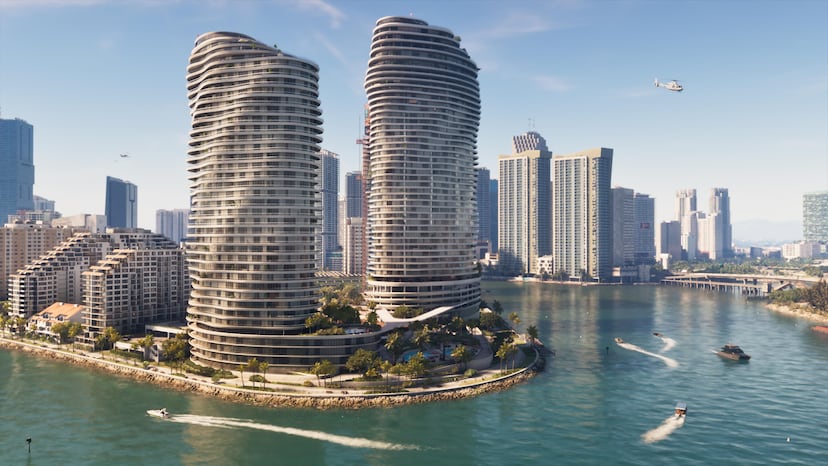
Seven days out. Pre-load has been open since Tuesday, and boxed copies reach shops today. Today's confirmed fact: Mount Kalaga National Park, the forested north of Leonida, where Rockstar lists hunting, fishing and off-roading.
 Nov 11, 2026 · countdown · By Six
8 days to GTA 6: newer cars need a key cloner, and not every car is yours for the taking
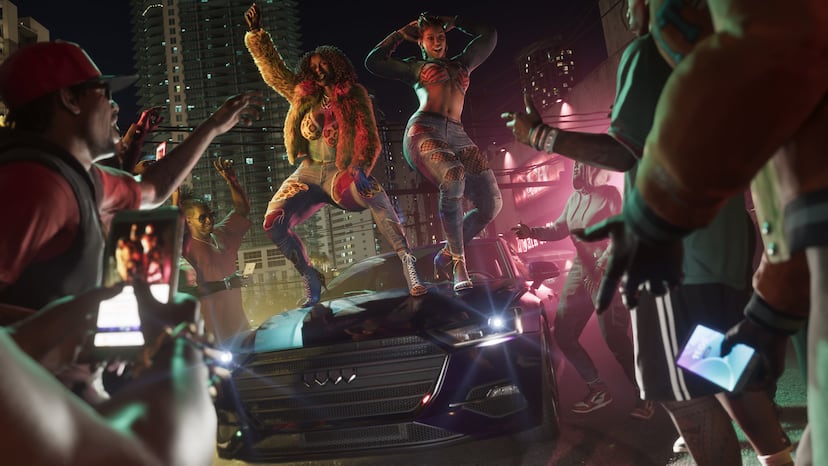
Eight days out. Today's confirmed fact: car theft is tiered in GTA 6. Older cars can be taken directly, newer ones need a key cloner or tools that unlock through the story. Rockstar calls it stratification.
 Nov 10, 2026 · countdown · By Six
9 days to GTA 6: the social feed is a game system, and Jason and Lucia cannot post to Snapmatic
Nine days out. Today's confirmed fact: GTA 6's in-game social platform. NPC posts go viral, livestreamers can catch you on camera, and the returning Snapmatic is off limits to the two fugitives.